Content creation has been transformed more completely by AI than almost any other profession. The tools available in 2026 cover the entire production pipeline, research, writing, visuals, audio, video, distribution, and analytics. This guide cuts through the hype and covers the tools that actually move the needle, organized by the stage of content production where they're most useful.
The Modern Content Creator's Challenge
The content landscape has bifurcated. On one side: volume players using AI to publish at massive scale (often with mediocre results). On the other: quality creators using AI to dramatically raise their production quality and consistency while maintaining their unique voice. The tools in this guide serve the second group, not "replace the human," but "amplify the human."
The core principle: AI handles the time-consuming execution work (research synthesis, first drafts, graphic layout, caption generation, audio cleanup) so you can focus on the high-value creative decisions (angle, positioning, unique insight, audience relationship).
Research and Ideation Tools
Perplexity AI, Best for Research
Perplexity combines web search with AI synthesis and source citation. Unlike ChatGPT's static knowledge, Perplexity searches the current web and returns synthesized answers with clickable source citations.
Best use: Pre-writing research, fact-checking, finding statistics and data points, understanding a topic quickly before writing about it.
Plan: Free tier (5 Pro searches/day) is sufficient for most users. Pro is $20/month for unlimited.
AnswerThePublic, Best for Topic Discovery
Enter a keyword and AnswerThePublic generates hundreds of real questions people ask about that topic, organized visually. Invaluable for content planning, you're writing about questions that already have search demand.
Best use: Content calendar planning, finding long-tail article topics, YouTube video ideas.
Plan: Free tier (3 searches/day). Paid starts at $9/month.
SparkToro, Audience Research
Shows you what websites, social accounts, podcasts, and YouTube channels your target audience reads, watches, and follows. Helps you understand where to distribute content and what topics resonate.
Best use: Understanding your audience before creating content for them.
Writing and Copy Tools
Claude (Anthropic), Best Overall Writing AI
Claude 3.5 Sonnet produces the most natural, nuanced writing output of any AI model. Unlike GPT-4's occasionally stiff corporate tone, Claude writes in a way that sounds more human and less AI-generated.
Best use: Long-form article drafts, email sequences, scripts, anything where writing quality matters.
Workflow: Write a detailed brief (topic, angle, target audience, key points, tone, length), paste into Claude, get a complete draft, edit to add your voice and specific examples.
Plan: Free tier available. $20/month Pro removes rate limits.
ChatGPT, Best for Structured Content
GPT-4o excels at structured outputs: outlines, bullet-pointed lists, tables, structured comparisons. Less naturally flowing than Claude for narrative prose, but excellent for content that benefits from clear structure.
Best use: Outlines, content frameworks, structured how-to guides, comparison tables.
Jasper AI, Best for Teams and Brand Voice
Jasper allows you to define your brand voice and ensures all AI-generated content stays consistent with it. Better suited for teams where multiple people are generating content and brand consistency matters.
Best use: Marketing teams, agencies, any situation where multiple writers need to stay on-brand.
Plan: Starts at $49/month. 30% affiliate commission makes it worth mentioning in content.
Visual Content Tools
Canva, Best Overall Design Tool
Canva's AI features have expanded significantly: text-to-image generation, background removal, Magic Write (AI text generation), and automatic brand kit application. The core product remains the best non-designer design tool available.
Best use: Blog featured images, social media graphics, YouTube thumbnails, presentation slides, infographics.
Plan: Free tier covers most needs. Pro ($13/month) adds brand kit, more assets, and better AI features.
Midjourney, Best Image Quality
For images where quality is paramount, hero images, product concepts, illustrations, Midjourney produces the most consistently impressive results. Requires Discord to use (web interface now available in beta).
Best use: Article hero images, YouTube thumbnails, visual concepts that need to look genuinely impressive.
Plan: $10/month for 200 image generations. $30/month unlimited.
Adobe Firefly, Best for Professional Use
Adobe's AI image generation integrates directly into Photoshop and Illustrator. For creators already in the Adobe ecosystem, Firefly is the most seamless option. It's trained on licensed content (no IP concerns), making it safer for commercial use.
Plan: Included with Adobe Creative Cloud. Standalone free tier with limited credits.
Video and Audio Tools
ElevenLabs, Best AI Voice
The gold standard for AI voice generation. ElevenLabs produces voice audio that is genuinely difficult to distinguish from human speech. Used by YouTubers for narration, podcasters for AI cohosts, and businesses for video voiceovers.
Best use: YouTube narration, explainer video voiceovers, podcast production, audio content automation.
Plan: Free tier (10,000 characters/month). Creator plan $22/month with 100,000 characters. 22% recurring affiliate commission.
HeyGen, Best AI Avatar Video
HeyGen lets you create videos featuring a realistic AI avatar, either a stock avatar or a custom one trained on your own appearance. Upload a script, the avatar delivers it on video. Used by creators who want video content without being on camera.
Best use: Explainer videos, social media content, course content, any video where a talking-head format works.
Plan: Free tier (1 video/month). Creator $29/month. 30% recurring affiliate commission.
Descript, Best Video Editing with AI
Descript transcribes your video, lets you edit the video by editing the text transcript, automatically removes filler words ("um," "uh," "like"), and handles overdub (re-record specific phrases by typing). Revolutionary for anyone who records talking-head videos.
Best use: YouTube video editing, podcast production, course recording cleanup.
Plan: Free tier limited. Creator $24/month for serious use.
CapCut, Best Free Video Editor
CapCut's AI features, auto captions, background removal, voice changer, smart cut, make it exceptional value at free. The mobile app is particularly powerful for short-form content creators.
Best use: Short-form video (Shorts, Reels, TikTok), quick social media clips, adding captions.
Distribution and Growth Tools
Buffer, Best Social Scheduling
Schedule content across all social platforms from one dashboard. AI-assist feature suggests optimal posting times and helps write captions. Buffer's free tier (3 channels, 10 scheduled posts each) is sufficient for most individual creators.
Best use: Batch-scheduling a week of social content in one session.
Beehiiv, Best Newsletter Platform
Built specifically for newsletter growth, Beehiiv includes monetization features (paid subscriptions, ad network, boosts) from day one. The AI writing assistant helps draft newsletter issues.
Best use: Building an email audience to own, monetizing content through newsletters.
Plan: Free up to 2,500 subscribers. $42/month for growth features.
Taplio, Best LinkedIn Growth
AI-powered LinkedIn content creation and scheduling, with analytics showing which content drives profile views and follower growth. Used by consultants, coaches, and agency owners building LinkedIn audiences.
Best use: LinkedIn-focused content strategy.
Plan: $65/month. Significant for individual creators but pays off quickly if LinkedIn is your primary audience channel.
Analytics and Optimization Tools
Google Search Console (Free)
The single most important analytics tool for content websites. Shows exactly which search queries are driving traffic, which pages rank where, and what queries your pages are close to ranking for but haven't broken through yet. The "close to ranking" queries are your best content optimization opportunities.
Semrush or Ahrefs
Keyword research and competitor analysis tools. Semrush has a very limited free tier; both paid plans start around $120/month. If your content strategy is SEO-driven, this investment pays for itself many times over in targeted traffic.
For bootstrapped content sites, start with the free tools (Google Search Console + Ubersuggest free tier + AnswerThePublic free) and upgrade to Semrush/Ahrefs once you have revenue to justify it.
The Lean Creator Stack (Under $100/Month)
For creators building a content business on a budget:
| Tool | Cost | What It Covers |
|---|---|---|
| Claude.ai Pro | $20/month | All writing tasks |
| Canva Free | $0 | Design and visuals |
| ElevenLabs Free | $0 | Voice (10k chars/month) |
| CapCut Free | $0 | Video editing |
| Buffer Free | $0 | Social scheduling |
| Beehiiv Free | $0 | Newsletter (up to 2,500 subs) |
| Hostinger | $8.99/month | Website hosting |
Total: $29/month to cover the entire content creation and distribution pipeline.
This stack is genuinely capable of supporting a content creator earning $1,000-5,000/month. The paid upgrades become worthwhile as your income grows, add them in proportion to your revenue, not in advance of it.
Integrating AI Tools with Hermes Agent
The highest-leverage approach for serious content creators: use Hermes Agent as the orchestration layer connecting all these tools.
Hermes remembers your content strategy, your target keywords, your publishing calendar, and your brand voice. It can:
- Research 10 article topics every Monday morning and send them to you for selection
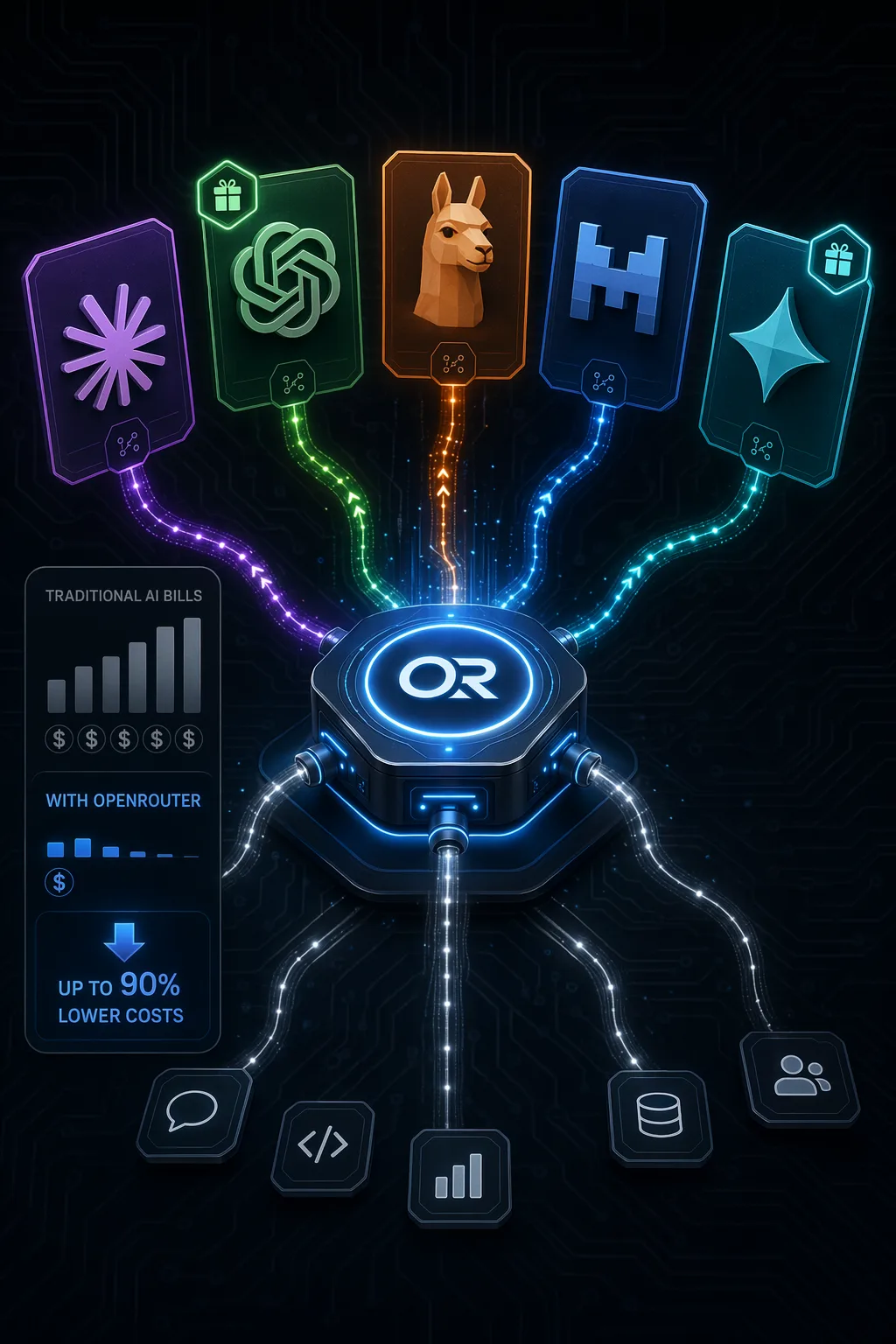
- Draft articles using Claude via OpenRouter and send them to your Telegram for review
- Generate image prompts for Midjourney based on each approved article
- Schedule approved posts across platforms via Buffer API
- Monitor your Google Search Console data and flag articles gaining momentum
- Track affiliate link performance and report weekly
The individual tools are powerful. Hermes as the coordinator makes them work as an integrated system rather than a collection of disconnected apps.
Published on ai.quantummerlin.com, Your source for practical AI agent intelligence