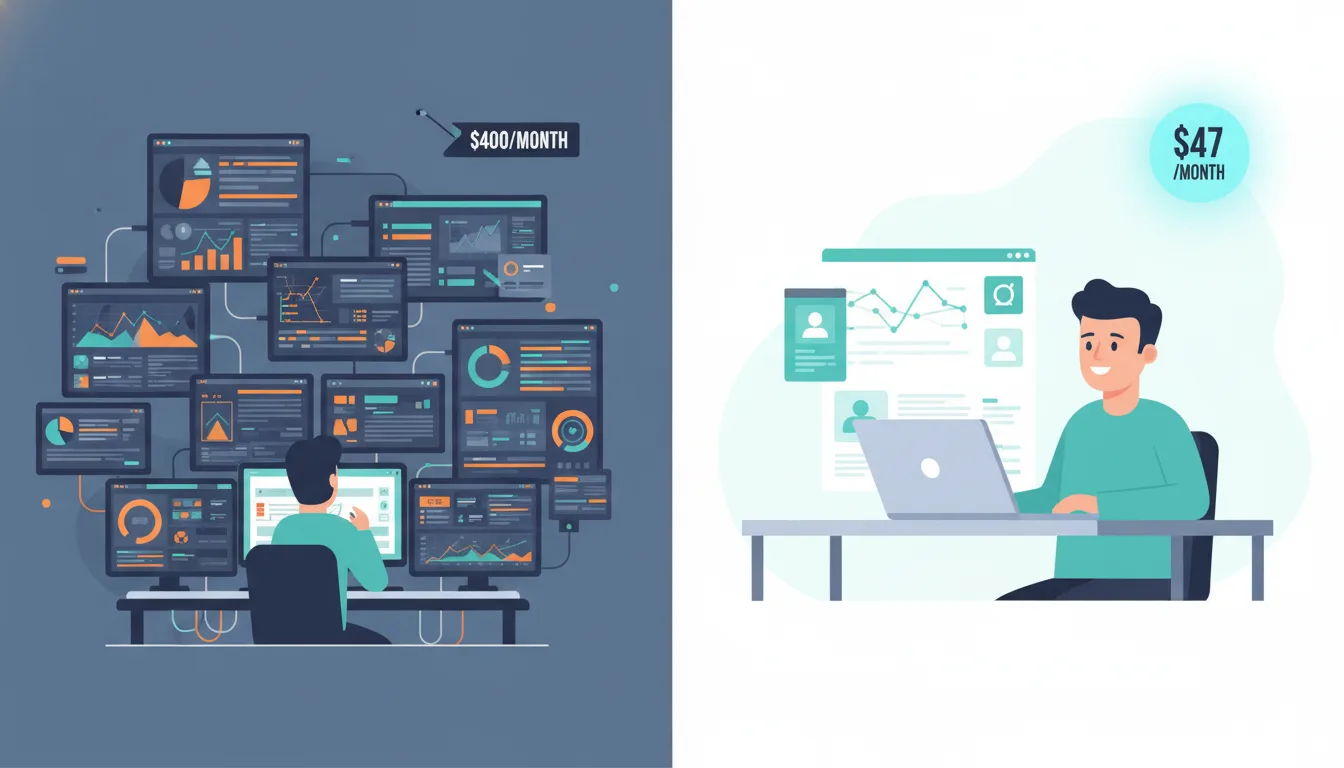
Why Enterprise Tools Are Overpriced for Most People
Enterprise AI pricing is built around procurement requirements, not usage patterns. When a Fortune 500 company buys AI seats, they need SOC 2 compliance documentation, SLA guarantees, SSO integration, admin dashboards, audit logs, and dedicated support channels. Those features are real and genuinely valuable — to IT departments managing 10,000 users. For a solo operator or a five-person team, you're paying for infrastructure you'll never touch.
The alternative is to build your own stack from best-in-class tools at consumer prices, connected via BYOK APIs. The principle is simple: instead of buying a bundled enterprise product, you combine a model subscription, a research tool, and an automation layer — and pay only for what you actually use. At moderate usage levels, this typically costs 70–80% less than enterprise alternatives while covering the same functional ground.
Layer 0: Free ($0/Month)
Before spending anything, it's worth knowing what you can access for nothing.
- ChatGPT free: GPT-4o mini, solid for most writing and Q&A tasks. Sufficient for casual use under 30 minutes per day.
- Claude.ai free: Limited messages per project, but excellent for document analysis and structured reasoning. The quality ceiling is high even on the free tier.
- Google Gemini free: The best option for anyone already in the Google Workspace ecosystem. Deep integration with Docs, Gmail, and Drive.
- Perplexity free: AI-powered web search with citations. For research tasks, this is genuinely better than standard Google — it synthesises sources instead of listing them.
- Aether Intel Playground (BYOK): Bring your own API key and pay per token, with no subscription markup. Good for users who want direct model access without building a custom interface.
The free tier is the right starting point if you're new to AI tools or use them for less than half an hour per day. It's also a sensible way to identify which tool you actually reach for before committing to a subscription.
Layer 1: The $20 Stack
The first paid tier is where most knowledge workers will find their equilibrium. The choice at this level is essentially binary:
Claude Pro ($20/month) gives you five times the usage of the free tier, the Projects feature (which maintains persistent memory per client or project), and access to the most capable reasoning model currently available. If your work is primarily writing, analysis, long-document processing, or research synthesis, this is the stronger choice.
ChatGPT Plus ($20/month) makes more sense if you need image generation, regular web browsing within the model interface, or the flexibility of switching between multiple specialised GPT configurations. It's the more versatile option; Claude Pro is the more focused one.
The critical rule at this layer: pick one, not both. Running parallel subscriptions to hedge your bets is a common mistake that doubles the cost without doubling the output. Choose based on your primary use case and use it consistently enough to get good at it.
Layer 2: The $50 Power Stack
Adding automation and agent capability requires one or two more tools, but the economics remain very manageable.
The Core Combination
Claude Pro or ChatGPT Plus ($20) + one automation layer ($0–20) + one research or productivity add-on ($0–20). Total: $35–50 depending on selection.
The automation layer is the key unlock. Make.com's free tier and Zapier's free tier both allow you to connect AI to your existing tools without writing code. This is where the stack starts doing work that previously required hiring someone.
For research-heavy workflows, Perplexity Pro at $20/month adds real-time web search with proper citations — the kind of fact-checked, source-attributed research output that a junior analyst would spend hours producing. For users who live in Notion, the $10/month Notion AI add-on integrates directly into your notes and project documentation without switching context.
Direct API access via OpenAI at roughly $5–10/month for moderate usage rounds out the stack for users who want to run custom workflows or use BYOK-enabled tools. This is usage-based, so light users pay less.
The BYOK Advantage
Bringing your own API key changes the economics of AI access in a way that most users don't fully appreciate until they've tried it. Instead of paying a flat monthly rate for a bundled product, you pay per token — the unit of text the model processes — for exactly the usage you generate.
For someone using AI two to three hours per week on varied tasks, BYOK typically costs 60–80% less than an equivalent subscription. The trade-off is that cost becomes variable rather than predictable, which some people find uncomfortable. The practical ceiling for moderate use is around $10–15/month via the OpenAI API.
Setup is straightforward: OpenAI dashboard → API → Create new secret key → paste into any BYOK-enabled interface. The Aether Intel Playground, Open WebUI, and a growing range of other interfaces support this model. You get direct model access at wholesale token prices rather than retail subscription rates.
The Agent Layer: What Actually Automates Your Work
True agents — systems that take actions rather than just generating text — are where the "AI employee" premise becomes real. The tools that make this accessible without engineering resources are Zapier AI Actions and Make.com scenarios.
Both work on the same principle: define a trigger (a new email arrives, a form is submitted, a spreadsheet row is added) and build a sequence of steps that includes AI processing. The AI can categorise, draft, summarise, or transform the input, and the result can be routed to wherever it needs to go.
A practical example: a customer fills in a contact form on your website. Zapier detects the submission, sends the content to an AI model for categorisation (sales enquiry, support request, general question), the AI drafts an appropriate response using context from your product documentation, and that draft lands in your email drafts folder ready for you to review and send. You see it, approve it in ten seconds, and move on. The enquiry that would have taken fifteen minutes to handle takes thirty seconds.
At $30–50/month total stack cost, that level of automation was previously only available to businesses that could afford a developer to build it.
Stack by Use Case
| Stack | Monthly Cost | Best For |
|---|---|---|
| Free tier only | $0 | First-time users, occasional use |
| Claude Pro | $20 | Knowledge workers, writing, analysis |
| ChatGPT Plus | $20 | Technical + visual + versatile tasks |
| Power Stack | $35–50 | Automation, agents, high-volume use |
| BYOK API only | $5–15 (usage) | Developers, intermittent users |
The freelancer or consultant doing high-volume knowledge work lands on Claude Pro + Perplexity Pro at $40/month. The small business owner who needs automation more than conversation lands on ChatGPT Plus + Make.com at $20/month plus a free automation tier. The developer who wants control over costs and doesn't need a polished interface lands on BYOK API only at $5–15/month.
The point isn't to pick the cheapest option — it's to pay only for what your actual usage pattern justifies. Start at Layer 0, identify your real use case, and add exactly one paid layer at a time.