What Hermes Desktop Actually Is
Hermes Desktop replaced the Telegram bot interface in v0.17. It is a native desktop application , not a web app, not a chat wrapper. It was built specifically for people running agent workflows as a regular part of their work.
The core additions over the Telegram interface are persistent context across sessions, multi-session management, and a visual layout for tracking concurrent workflows. If you used the Telegram version, Desktop is the same underlying engine in a shell designed for power use. Conversations carry over between restarts. Skills and memory files persist. You don't start from scratch every time you open the app.
Setup time for a working configuration , not a demo, not a test , is twenty to thirty minutes. By the end of that, you should have background agents scheduled and running. If you've been through setup and none of your agents run in the background, you've done the easy half and skipped the useful half.
Getting the Setup Right
Download the app and connect your API key. Set your default model. Claude Sonnet is the practical default for most workflows , capable enough for complex reasoning, fast enough for conversational use. Haiku is available if you're running high-volume background tasks and want to keep costs down. The model choice affects both quality and cost, so it's worth a minute to think about before you proceed.
Set your memory files directory before doing anything else. This is where your context persists. Changing it later requires re-linking existing files, which is tedious. Get it right on the first pass. A dedicated folder outside your downloads directory is the obvious choice , somewhere you won't accidentally delete it.
Create your first skill during initial setup. Don't save this for later. The fastest way to understand how skills work is to build one when you're already in configuration mode and everything is fresh. A simple skill is enough , something that applies your preferred output formatting to a type of task you do regularly. The point isn't to build something complex. It's to make the concept concrete before you close the setup flow.
The Interface Layout
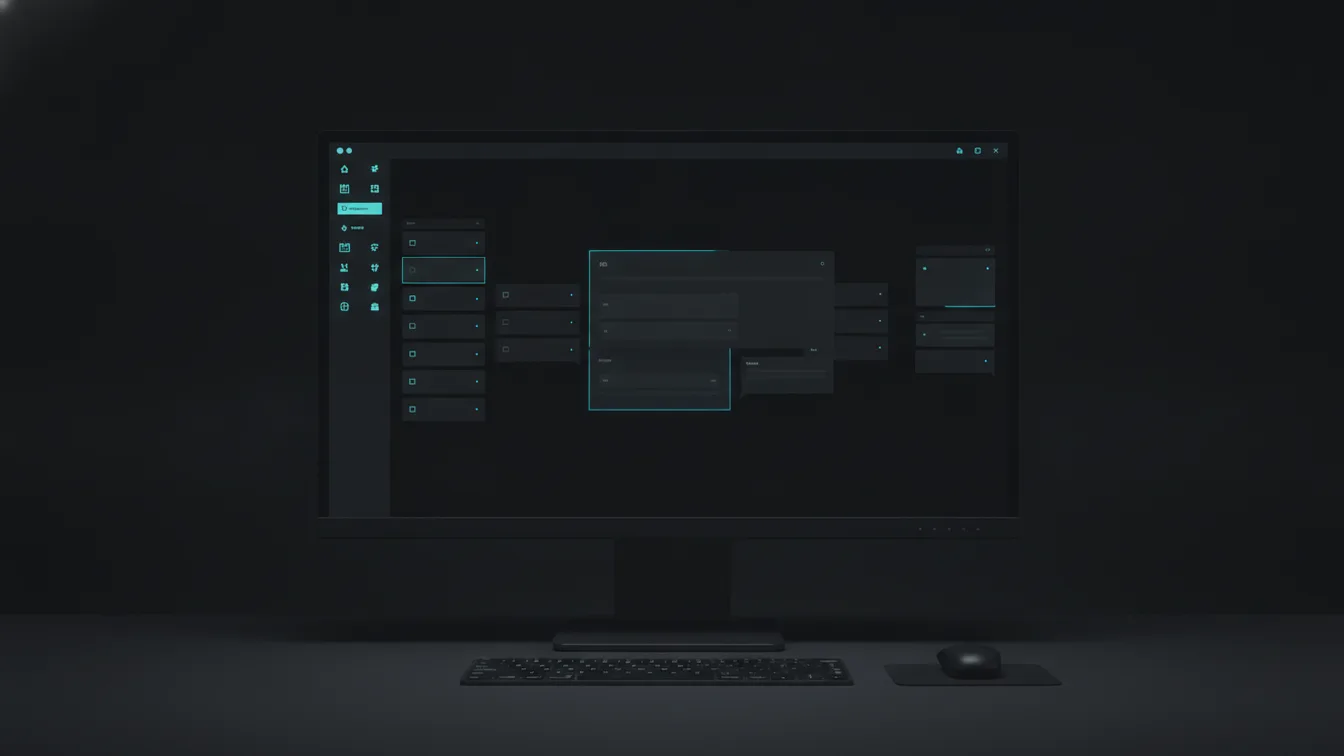
Left panel shows conversation threads. Center shows the active conversation. Right panel shows context files and active skills. Three panels, always visible, designed for running multiple concurrent workflows at once.
If you're only ever using one thread at a time, the left panel will feel like wasted screen space. It isn't. The moment you start running parallel workflows , a research thread, a writing thread, a task management thread , the layout makes sense. You switch contexts without losing any of them. Each thread carries its own history and its own active state.
The right panel is where most people don't spend enough time. Your active skills and context files are visible and modifiable from there without leaving the conversation. If you're mid-session and realize a skill needs updating, you can do it from the right panel without breaking flow. That small thing matters when you're trying to build habits around using the tool consistently.
Background Agents: The Feature Most People Skip
Background agents run on a schedule or trigger without requiring an open window. This is the feature that separates people who get outsized value from Hermes from people who use it as a slightly fancier chat interface.
Setting one up: create a workflow, enable background mode, set the trigger. Triggers come in three types , time-based, file change, and manual. Time-based is the simplest starting point. File change triggers are more powerful but require clarity about what you want to happen when a specific file updates. Manual triggers are useful for workflows you want to run on demand but prefer to launch from a reliable starting state.
The background agent runs, produces its output, and stores it. You check the output when you're ready. The work happened while you were doing something else. This is the point of background agents , not just that they run without you watching, but that they run on their own time so you don't have to. Your time only enters the equation when reviewing results, not when producing them.
Three Use Cases That Actually Justify the Setup Time
Daily briefing agent. Runs at 7am. Reads your calendar for the day, summarizes relevant email threads, and produces a priority list. You open your laptop and the context is already prepared. Five minutes of setup time , defining what the agent reads and how it structures the output , saves you fifteen minutes every morning. After a month, that's five hours returned.
Code review agent. Triggered on git commit. Reviews your changes against your coding standards , the standards you've defined in a skill, in your voice, reflecting your actual preferences rather than a generic linter. It catches issues before they reach code review and leaves notes in a file you can check before pushing. Runs in the background while you continue working. The feedback is waiting when you want it, not interrupting when you don't.
Research agent. Runs overnight. Monitors RSS feeds and specified sources, filters for relevance to your defined interest areas, and produces a morning summary. Replaces the habit of checking multiple feeds manually, while also cutting the time cost of the habit. You get a curated summary instead of raw feeds to triage. The quality depends on how well you've defined your interest areas in the skill , be specific and the filtering is genuinely useful. Be vague and you get noise.
What Doesn't Work Well Yet
Mobile access doesn't exist. Desktop is desktop , there's no companion app, no mobile interface, no way to check your background agent outputs from your phone without a workaround. The practical workaround most people use is syncing output files to a cloud folder they can read elsewhere. It works. It's not elegant. For people who need mobile access to agent outputs as part of their workflow, this is a real gap that hasn't been addressed.
Collaboration is not in the design. Hermes Desktop is a single-user tool. There's no shared workspace, no way to give a colleague access to your agents or your conversation history, and no team features of any kind. If your use case involves multiple people working with the same agent configuration, you are working around the tool rather than with it.
Deep OAuth integration is clunky. Tools that require browser-based authentication don't connect cleanly in a desktop context. API-key-based integrations work well and feel native. Browser-auth flows require manual steps that interrupt the automation logic you're building. If most of your critical tools use OAuth, factor that into how you design your workflows.
The Cost Calculation
Hermes Desktop is free. The cost is API usage. At typical usage , a few conversation sessions per day, two or three background agents running daily , you're looking at five to twenty dollars per month. The range is wide because background agent cost depends primarily on context volume. An agent that reads a full inbox processes more tokens than one reading a short curated feed.
Start with shorter context windows when first building background agents. Expand them once you've seen the output quality and decided the additional context is worth the cost. Most people find that focused context produces better results than exhaustive context anyway , more tokens is not automatically better.
It's also worth noting what "typical usage" actually looks like before you estimate your costs. A briefing agent that reads fifty emails and a calendar produces far more tokens than one that reads a curated summary of ten items. If you're building multiple background agents and each one processes large inputs, the upper end of that range is reachable. Model choice matters here too , running everything on Sonnet at high context volume costs more than mixing in Haiku for lower-stakes background tasks where speed and cost matter more than capability.
The better framing for cost isn't "how much will this cost?" but "what would I pay for a competent assistant to do this work?" A daily briefing, a code reviewer, and a research monitor, running reliably every day, for twenty dollars a month. That framing tends to settle the cost question.
Twenty dollars a month for a working background agent stack is not expensive.
The more relevant question is whether you'll complete the setup.
Most people who finish setup keep it running. Most people who don't finish never come back to it.