Mine old chats into reusable
skills you own permanently
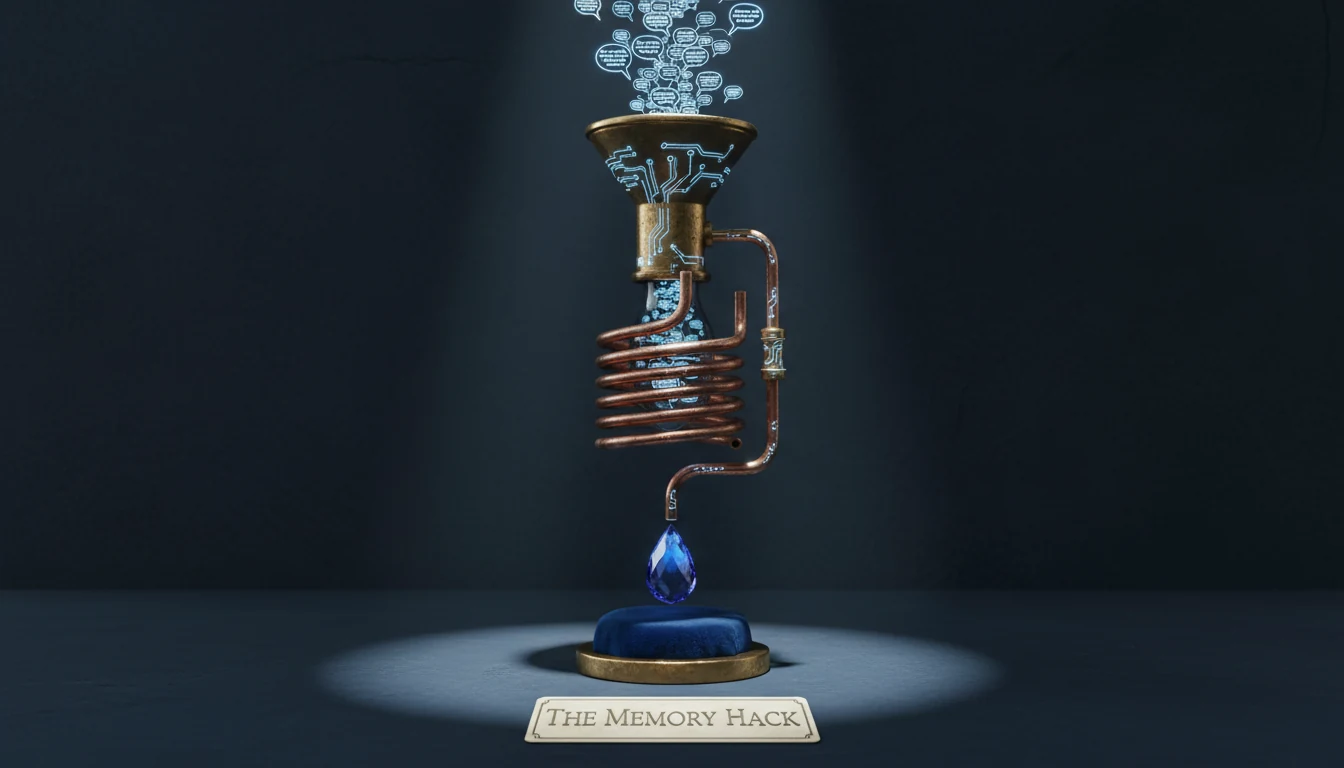
You've already trained Claude your preferences across dozens of conversations. One extraction prompt recovers all of it — preferences, rejections, workflow patterns, style signals — and packages them into a permanent skill.md you can drop into any future project.
Recommended Models
This skill needs a long-context model to read entire conversations. Don't use flash/mini models — they truncate context and miss early signals.
| Model | Best For | Cost | Quality | |
|---|---|---|---|---|
| Claude Sonnet 4.6 | Deepest analysis — catches nuance and implicit rules | Moderate | ★★★★★ | Recommended |
| Claude Haiku 4.5 | Fast extraction on shorter chats at low cost | Cheap | ★★★★★ | Recommended |
| GPT-5.4 | Good alternative for OpenAI-centric workflows | Moderate | ★★★★★ | Recommended |
Cost Estimate
Before & After Examples
What the extraction prompt produces when run on a real conversation.
3-month coding project chattrigger: Whenever writing or reviewing code
gotchas: User prefers strict mode, no any types
Preferences: Functional React components, named exports, tests in same PR, variables named by behavior not type...
trigger: When writing articles or blog posts
Anti-Patterns: No bullet lists in articles, no stat openers, no passive voice, no "In conclusion..."
Style: Paragraph prose, short sentences, contrarian angle by default.
Model Compatibility
- Claude Sonnet 4.6 — best at reading implicit preferences between the lines
- Claude Haiku 4.5 — efficient for shorter chats under 50 messages
- GPT-5.4 — strong alternative with wide context window
- GPT-5.4 Mini / Gemini Flash — truncate long conversation context
- Models without 100K+ context window (miss early conversation signals)
- Small local models — weak at inferring implicit patterns
Chainable Skills
The Memory Hack is the starting point for building a personal skill library. Run it on your old chats, then feed the output into the Specialist Stack or Orchestrator.
The System Prompt
Paste this as the system prompt, then send your entire old conversation as the user message. Claude will mine it and produce a complete skill.md.
You are a skill architect. Your task is to analyze the entire conversation above and extract a reusable Claude skill from it.

Look for:
1. PREFERENCES — what the user explicitly liked, approved, or asked for more of
2. REJECTIONS — what was changed, pushed back on, or discarded
3. WORKFLOW PATTERNS — recurring steps, processes, or sequences the user follows
4. STYLE SIGNALS — vocabulary, tone, formatting preferences, level of detail
5. DOMAIN KNOWLEDGE — technical context, jargon, constraints specific to this user
6. IMPLICIT RULES — things that were never stated but are clearly expected

Output a complete skill.md file in this exact format:

---
skill: [descriptive-slug]
trigger: [when should Claude automatically invoke this skill — be specific]
gotchas: [what commonly goes wrong without this skill]
---

# [Skill Name]

## Purpose
[One sentence: what this skill makes Claude do differently]

## Preferences Captured
[Bulleted list of preferences extracted from the conversation]

## Anti-Patterns to Avoid
[Bulleted list of things this user explicitly rejected]

## Workflow
[Step-by-step process this user prefers for this type of work]

## Style Guide
[Tone, formatting, vocabulary, level of detail]

## Context
[Domain knowledge, constraints, background that Claude should always have]

Output the skill.md only. No commentary. No explanation.
What Gets Extracted
The prompt targets six signal categories that accumulate naturally in any working conversation.
- Explicit preferences — "I like this", "keep this format", approval signals
- Rejections — everything you changed, deleted, or pushed back on in past sessions
- Workflow patterns — the recurring sequence you follow for this type of work
- Style signals — sentence length, vocabulary level, formatting choices, tone
- Domain knowledge — technical context, jargon, and constraints Claude needs to know
- Implicit rules — the unstated expectations that only show up as corrections when violated
Community Signals
Ready to recover what you've already taught Claude?
Copy the prompt, open an old conversation, paste the whole thing as your message. That's it.