It was 11 PM. A developer set an AI agent loose on a research task and went to bed. By 7 AM, the agent had spent eight hours looping, calling the same APIs, summarizing the same pages, writing "I need to research this further" into an ever-growing context window. The bill: $200 for eight hours of productive nothing.
This is not an edge case. It is the most common first bill shock in the AI agent world right now. And it's almost never mentioned in the tutorials.
This article exists because 7,347 real comments from AI agent users were analyzed to find out what people actually experience when they start running agents in production. The numbers are not pretty, but they are real, and knowing them before you hit send on that first long-running job changes everything.
The Numbers Nobody Shares Before You Start
Most AI agent tutorials show you the exciting part: a task goes in, intelligent output comes out. They don't show you the API dashboard. Let's fix that.
The two models you'll encounter most are Claude Sonnet and Claude Opus (or their equivalents in the GPT family). The price difference between them is not subtle.
| Model | Input (per 1M tokens) | Output (per 1M tokens) | Relative Cost |
|---|---|---|---|
| Claude Sonnet | ~$3 | ~$15 | 1x (baseline) |
| Claude Opus | ~$15 | ~$75 | 10–15x more expensive |
| GPT-4o | ~$5 | ~$15 | ~1.5–2x Sonnet |
| GPT-4o Mini | ~$0.15 | ~$0.60 | 0.05x, cheapest tier |
Those numbers look manageable until you run the math at scale. A single Opus agent handling a complex coding task might consume 100,000 output tokens per session. That's $7.50 per run. Run it 10 times a day and you're at $75/day, $2,250/month, before you've built anything for customers.
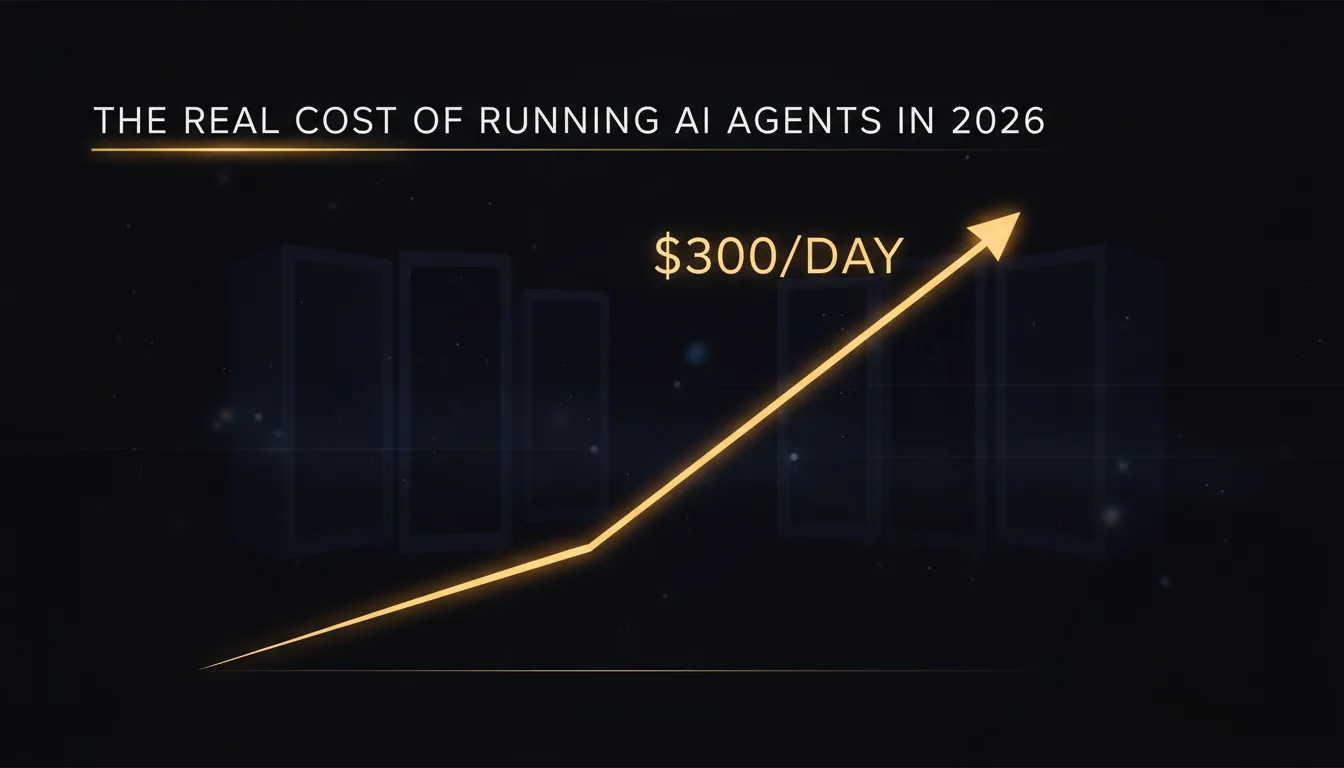
"Running OpenClaw 24/7 costs me $300/day. That's $9k a month just in API calls. Completely unsustainable for a startup."
That $9k/month figure is not an anomaly. It is the straightforward arithmetic of running a capable model continuously. Continuous operation means roughly 86,400 seconds of potential API calls per day. Even at moderate token consumption, say 10,000 tokens per minute during active tasks: the bill compounds fast.
The 24/7 operation math breaks down like this: if an agent is actively processing for even 30% of the day on Opus, you're looking at $90–$150/day in API costs alone. Add overhead from memory, tool calls, and re-tries, and $300/day is not hard to reach.
The Three Ways Agent Bills Spiral Out of Control
Every large unexpected bill in the data traces back to one of three failure modes. Understanding them takes ten minutes. Not understanding them costs hundreds of dollars.
1. Infinite Loops
This is the most common and most expensive failure mode. An agent gets stuck in a reasoning loop: it identifies a task, decides it needs more information, calls a tool, gets a partial result, decides it needs more information, and repeats indefinitely.
"Agent has been looping on the same task for 3 hours, just repeating 'I need to research this' over and over, burning $15/hour in Opus tokens doing absolutely nothing."
The cruel irony of the loop problem: the longer it runs, the longer the context window gets, which makes each subsequent call more expensive. A $15/hour loop becomes a $25/hour loop two hours in because the agent is now hauling around 80,000 tokens of prior failed reasoning on every call.
Most agent frameworks ship without loop detection. There is no built-in circuit breaker that says "you have called this tool with the same parameters three times, stop." You have to build that yourself, or it will happen to you.
"Left it running overnight and woke up to a $200 bill. How do I set a timeout or budget cap?"
This exact question was asked by approximately 26 different people in the dataset, with 480 upvotes combined. It is not a rare beginner mistake. It is the expected first-contact experience with agentic systems that lack guardrails.
2. Model Selection Mistakes
Most agent frameworks default to the most capable model available. This makes sense from a "make it work" perspective. It makes no sense from a cost perspective when 80% of your agent's tasks are things like "format this JSON," "summarize this paragraph," or "check if this URL is valid."
"Just got hit with a $200 bill because my OpenClaw agent went into a loop overnight. Opus is 10-15x more expensive than Sonnet and it adds up FAST."
The model you choose for the hard reasoning tasks becomes the model that handles every trivial sub-task too. A tool call that fetches a webpage and asks the model to extract a title doesn't need Opus. It needs Sonnet at most, and probably a much cheaper model. But if your agent is configured for Opus, Opus is what runs, at full Opus prices.
3. Token Bloat from Poor Memory Management
Default memory configurations in most agent frameworks are aggressive. They include the full conversation history, all tool outputs, all intermediate reasoning steps, and all prior context, on every single call.
This creates what practitioners call token bloat. A task that started with a 2,000 token context is now running with a 40,000 token context three hours later, not because the task requires it, but because the framework appended everything and nobody told it to stop.
"Hit the context limit halfway through a complex coding task and lost all the requirements I spent an hour explaining, had to start over and burn another $20 in tokens re-explaining everything."
Bloat is expensive twice over. It increases the cost of every call while also increasing the risk of hitting context limits: which means paying for a run that fails, then paying again to re-run it.
The Opus vs. Sonnet Trap
People default to Opus because they're worried the cheaper model will fail. This is a rational fear: it's just a fear that costs a lot of money when applied universally.
Here is the actual experience of someone who ran the experiment:
"Switched from Opus to Sonnet and cut my bill from $400/month to $40, but now the agent is dumber. I need a way to auto-switch between them based on task complexity."
That quote captures the real tension. Sonnet handles the majority of tasks adequately. Opus handles the hard ones better. The mistake is treating it as a binary choice rather than a routing problem.
So what actually justifies the 10-15x premium for Opus?
| Task Type | Sonnet Adequate? | Opus Advantage |
|---|---|---|
| Summarization | Yes | Minimal |
| Data extraction / formatting | Yes | Minimal |
| Simple Q&A from a document | Yes | Minimal |
| Multi-step reasoning chains | Sometimes | Meaningful |
| Complex code generation (>200 lines) | Sometimes | Meaningful |
| Ambiguous task planning | Risky | Significant |
| Novel problem-solving with few examples | Risky | Significant |
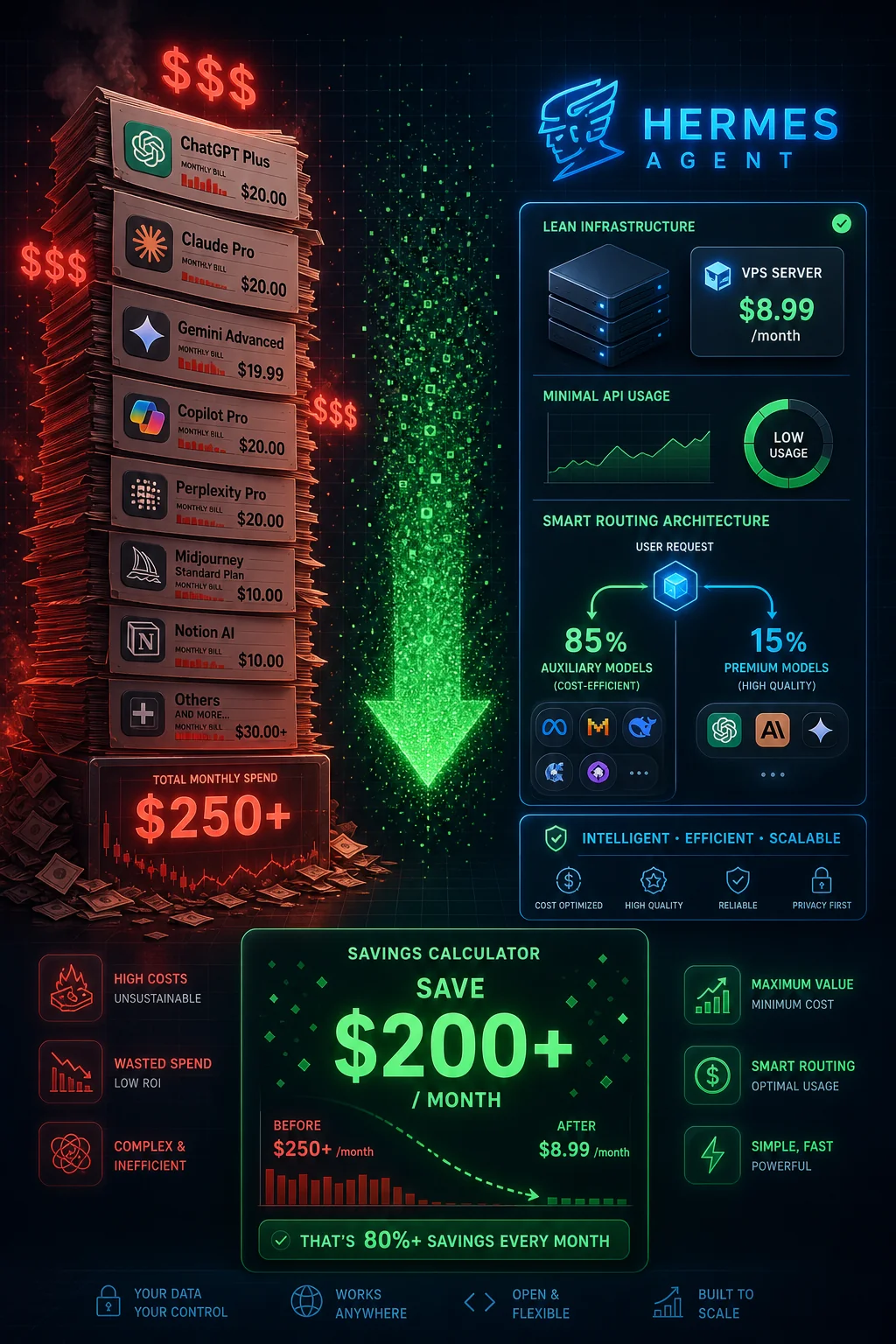
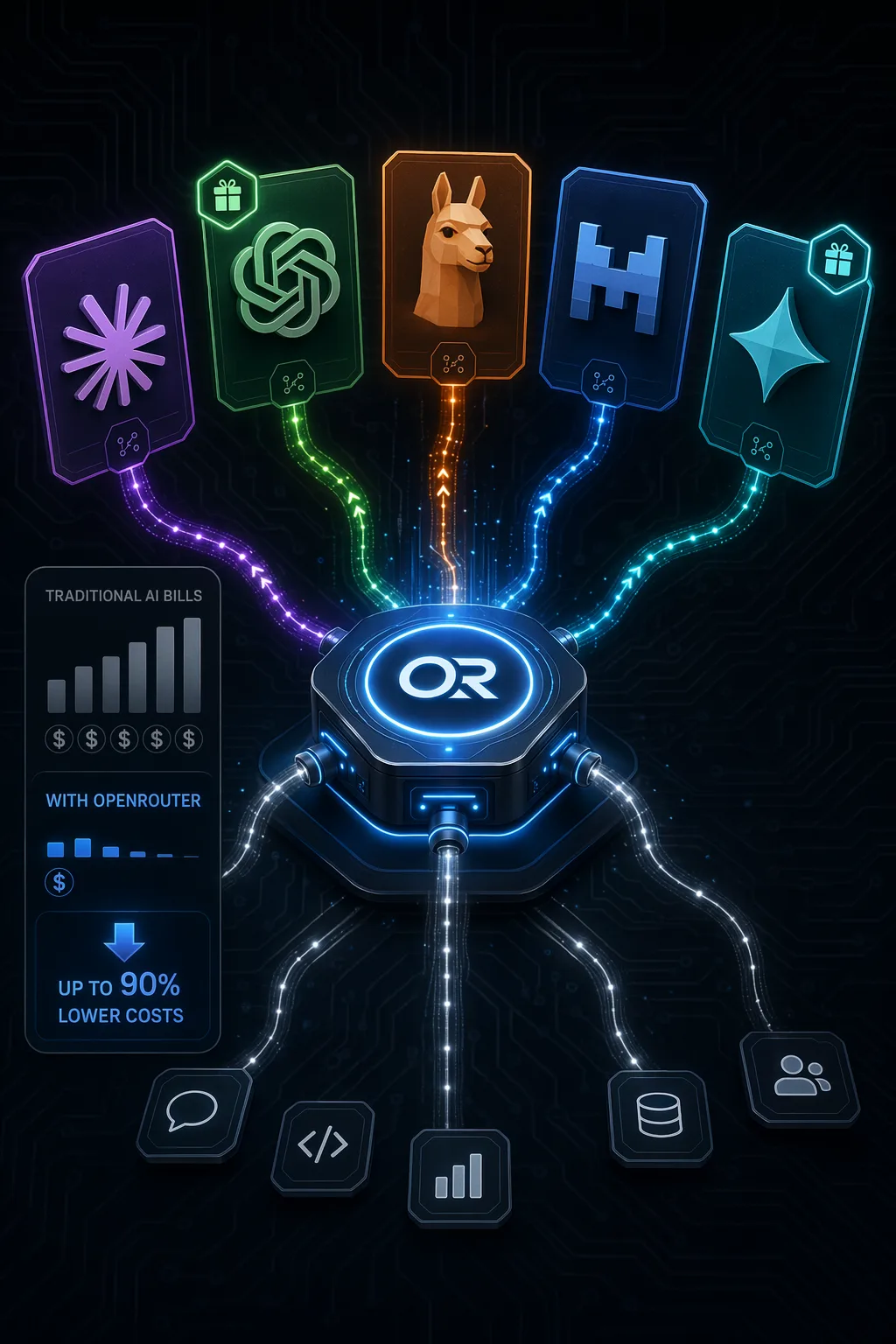
The practical takeaway: route simple and medium tasks to Sonnet or cheaper models, reserve Opus for tasks that fail at lower tiers. A routing layer that classifies tasks by complexity before model selection can drop overall costs by 70–80% without meaningful output quality loss on the tasks that matter.
"Wasted $50 testing different models to see which one could handle my workflow without hallucinating, no guidance anywhere."
Testing is unavoidable. What's avoidable is testing on production workloads at full Opus rates. Benchmark your specific task types on a small sample first. The $50 spent on structured testing beats the $200 wasted on accidental discovery.
Realistic Monthly Cost Scenarios
Before committing to a budget, match your use case to one of these archetypes. These figures come from aggregated real-world reports, not vendor projections.
| User Type | Usage Pattern | Typical Monthly Cost |
|---|---|---|
| Casual experimenter | A few tasks per week, mostly Sonnet, no continuous runs | $20–$50/month |
| Active builder | Daily use, mixed Sonnet/Opus, some automation | $50–$150/month |
| Small team production | Multiple agents, business hours, task routing in place | $150–$500/month |
| 24/7 continuous operation | Always-on agents, high task volume, no downtime | $300–$1,500+/month |
The jump from "active builder" to "24/7 continuous" is where startups get into trouble. The difference isn't just usage volume: it's exposure time. A 24/7 system means any configuration mistake runs for 24 hours before anyone notices. That's how a $15/hour loop turns into a $360 overnight charge.
"Want to run this continuously? That'll be $400+ monthly just in API fees. Not viable for small teams or bootstrapped founders."
For bootstrapped builders, the honest answer is that 24/7 continuous AI agent operation probably doesn't pencil out yet, unless you can definitively measure revenue attribution and it exceeds the API cost with meaningful margin. For everyone else, task-triggered or scheduled operation (run the agent when there's work, not on a heartbeat) cuts costs dramatically.
5 Cost Controls You Should Set Up Before You Start
None of these are complex. All of them are things most people skip because they're eager to get to the interesting part. Don't skip them.
1. Hard Spend Caps at the Provider Level
Every major AI API provider, Anthropic, OpenAI, Google, lets you set monthly spend limits and usage alerts. Set a hard cap at 150% of your expected monthly budget before you run your first agent. Set an alert at 50% so you get an email with time to investigate before you're close to the limit.
This is the single most important control. It converts "I woke up to a $200 bill" into "I got an email at 2 AM and turned it off." That's the difference between a learning experience and a financial hit.
"I refresh my OpenAI dashboard every hour when running agents, terrified of seeing $300/day charges from something I left running accidentally."
Spending mental energy refreshing a dashboard is a systems failure. Automated alerts exist. Use them.
2. Model Routing by Task Type
Build a simple classification step at the start of your agent's execution: is this task simple (summarization, extraction, formatting) or complex (multi-step reasoning, code generation, planning)? Route simple tasks to Sonnet or a cheaper model. Reserve Opus for tasks that fail the simple tier.
This doesn't require sophisticated ML. A prompt classifier, "does this task require complex reasoning? Yes/No", run on a cheap model is good enough to capture 70% of the savings. You can refine it from there.
3. Loop Detection Patterns
Implement a basic loop detector: track the last N tool calls and their parameters. If the same tool is called with the same (or near-identical) parameters more than 3 times in a row, stop execution and flag for review. This single pattern would have prevented the majority of large unexpected bills in the dataset.
A cruder but effective fallback: set a maximum step count per agent run. If your task should take 20 steps and it's at step 50, something has gone wrong. Stop it. The cron-job-style "kill after N minutes" workaround that people use is a blunt instrument: it breaks legitimate long-running tasks, but maximum step count doesn't have that problem.
4. Context Window Budgeting
Decide upfront how much context your agent is allowed to accumulate. Set a context budget, say, 20,000 tokens per session. When the session approaches that limit, trigger a summarization step that compresses the prior context into a concise state object, then continue. This prevents the spiral where a long-running task becomes progressively more expensive per step.
Most frameworks make this an explicit configuration option. If yours doesn't, build a wrapper that counts tokens between calls and triggers compression at threshold. The token counting libraries for most languages are small and well-maintained.
5. Monitoring Dashboards
Set up real-time cost visibility before you run anything in production. LangSmith, Helicone, and similar tools provide per-run cost breakdowns with minimal integration effort. You want to see cost-per-run, cost-per-hour, and which tasks are consuming disproportionate budget.
The goal is not to obsess over costs: it's to make anomalies visible immediately. A run that costs 10x the expected amount should surface in your dashboard within minutes, not after you check your credit card statement at the end of the month.
The Honest Summary
AI agents are genuinely useful. The productivity gains are real. The ability to delegate complex, multi-step work to an automated system is a meaningful capability shift, particularly for small teams and solo builders who couldn't otherwise afford to do that work at all.
But the economics require intentional management. The default state, no spend caps, no loop detection, maximum model everywhere, unlimited context accumulation, is a configuration that will burn money. Not because vendors are predatory, but because agents run fast and most of the failure modes are silent until they show up on a bill.
The five controls in this article cost a few hours to implement. They will save multiples of that in avoided waste. The people who get the most value from AI agents in 2026 are the ones who treated cost management as a first-class engineering concern from day one, not an afterthought after the first ugly bill.
Set the cap. Build the router. Detect the loops. Then build the interesting stuff.
Published on ai.quantummerlin.com, Your source for practical AI agent intelligence